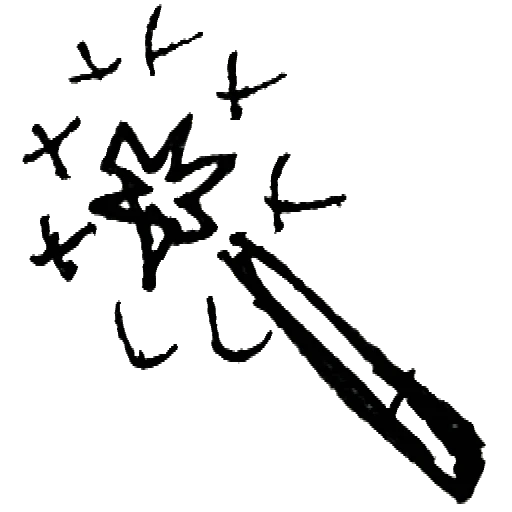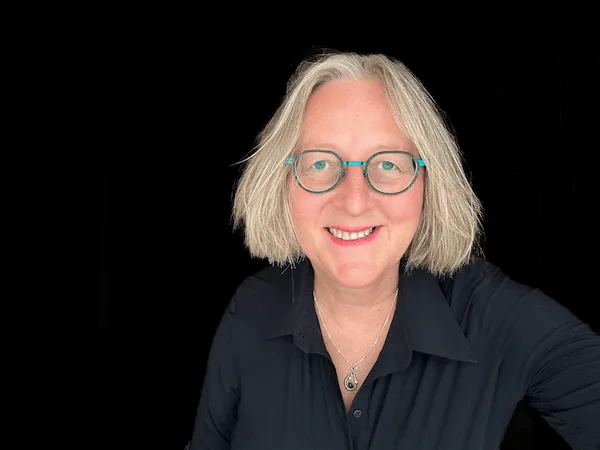
RemoveWhite.com was founded by me, Els Edes. I needed to make my drawings transparent in order to make them look good on my blog. A few months earlier I had cancelled my Adobe subscription, which I mainly used for doing exactly this. At the end of 2025 I was wondering if I would be able to code a tool for it myself. Turned out I did. That became RemoveWhite.
Why the sliders exist
I took photographs of the drawings I made and found out that the background color varied with the kind of light and the time of day they were taken. I needed a threshold and feather slider to determine what was white or black exactly — I needed some room to work with not-perfectly-white backgrounds. Off-white, light grey or beige: all of those should turn transparent without going back to the photos app. So I built the Threshold and Feather sliders.
While I was at it, I stumbled upon white ghosting around drawn lines every now and then. So I added Edge Shrink and Darken Lines to further perfect the result.
The background color picker
To see the white ghosting better, I needed to be able to change the canvas background color. When I tried it, I sometimes loved what I saw: my black line drawings on a different background color. Perfect for social media. So I built in the background color picker and made it possible to not only preview with a color, but also export with one — as well as exporting fully transparent, of course.
Remove black, and invert
I found it very useful to also remove all black pixels and make those transparent. Those images have a lot of potential — for example in videos with movement in the background, as an overlay on social media. They're also great for AI-generated images like logos on a black background.
And then the invert function followed naturally. I love inverting the colors of my drawings. It makes them so much more artistic.
The animate tool
Later I wanted to make stop-motion videos from my drawings — especially from the transparent ones that could use a colored background. I have editing software, but it takes effort and I was looking for a way to speed up that process. I couldn't find what I needed, and figured I'm probably not the only one. So I built that too. It's on a separate page. You can choose different framerates, output formats like MP4, WebM and PNG image sequences — all in the social media format of your choice, from YouTube to TikTok to Instagram.
Why it costs something
Thinking further, I came to so many use cases that I decided to turn my private tool into a website anyone can use. As I spent months developing, designing and building the site, I charge a small fee for watermark-free downloads. A day pass is €3.99. A year pass is €39.99. No subscription, no auto-renewal.
The drawings this tool was built for
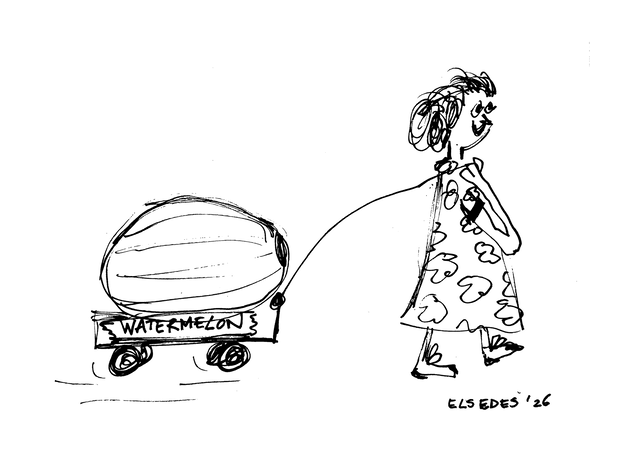
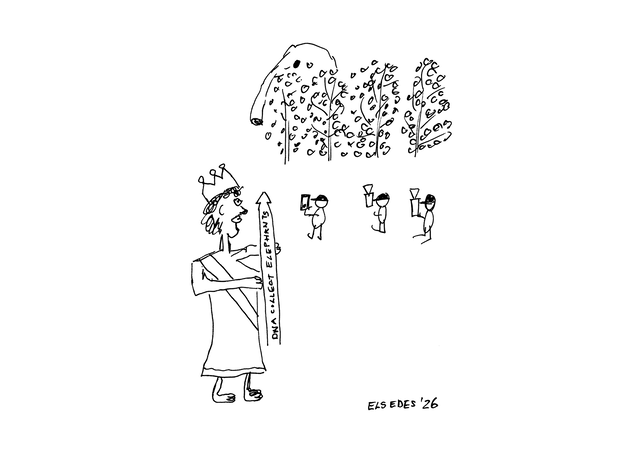
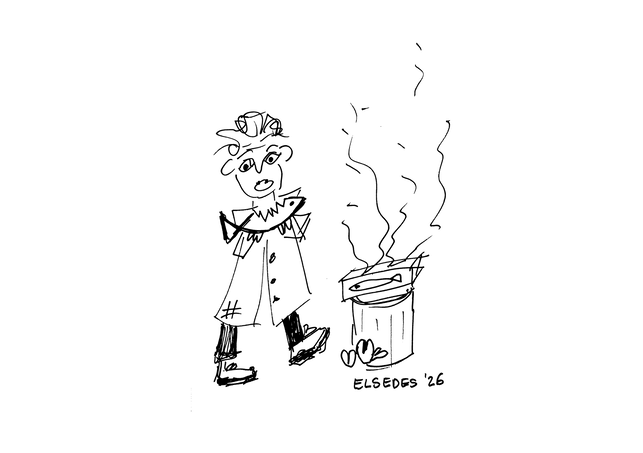
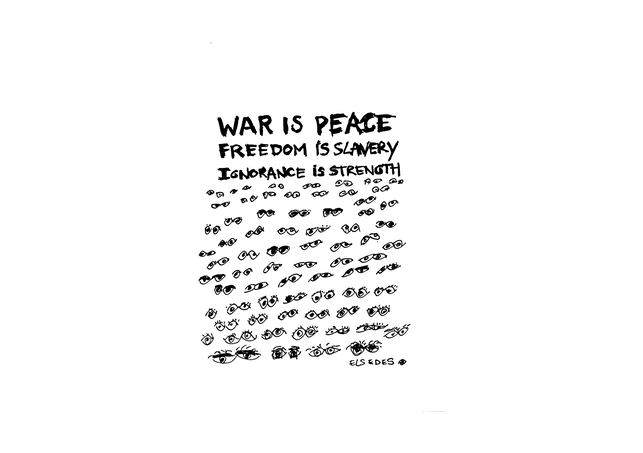
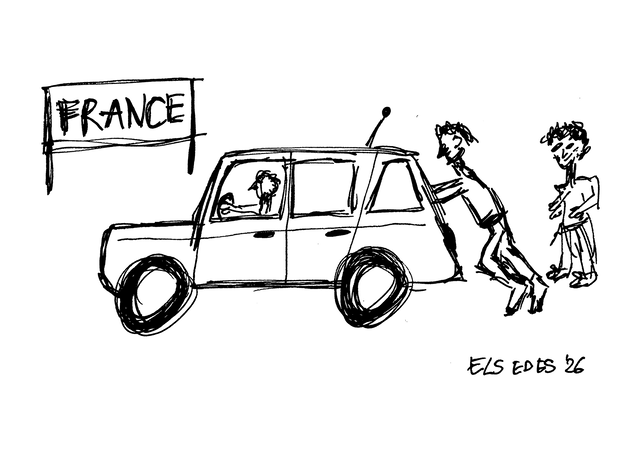
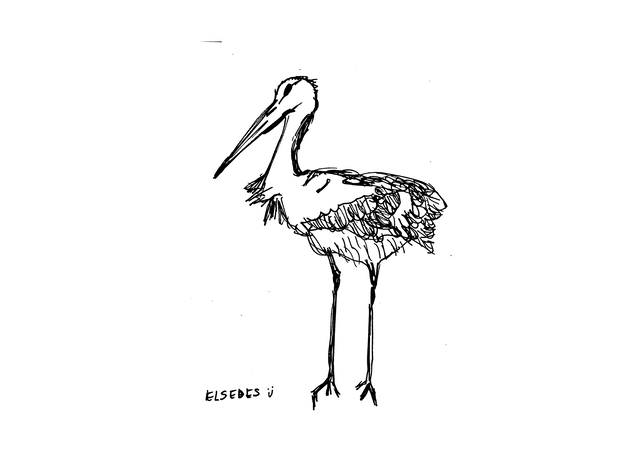
I make hand-drawn illustrations of documentaries I watch, for my blog elsedes.com. These are the drawings that needed transparent backgrounds.