Built for pixel transparency, not AI cutouts
RemoveWhite is not a general AI background remover. It does not try to guess what the subject is. It removes all white or black pixels at once, directly in your browser; with sliders to control off-white. No uploads, no AI guessing, no software to install.
Privacy
is king
Perfect for
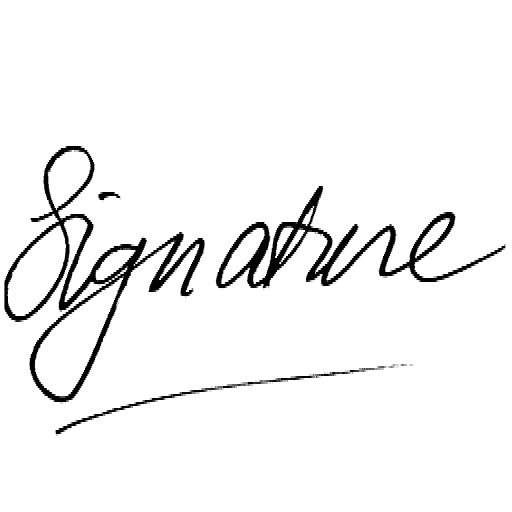
Clean transparent signature PNGs in seconds
Remove the paper, keep the lines
Shoot with your phone, use anywhere
Transparent exports for any background
Ready for social media, Reels, Stories
Fix fake checkerboard backgrounds that look transparent but aren't

Clean black line art on transparent ground
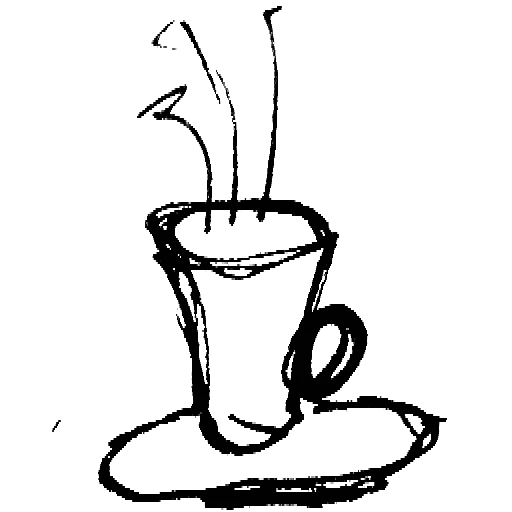
Illustrations and icons ready to embed
How it works
Drag and drop any PNG, JPG, WebP or HEIC. Works on desktop and mobile.
Adjust threshold, feather, edge shrink and darken lines to determine exactly what counts as white or black.
Export as PNG or WebP with full transparency, or pick a background color and bake it in. Ready for websites, video, social or print.
Need to process many images or photos at once?
The bulk transparency tool applies one setting to a whole batch and exports a single ZIP. Built for stop-motion frames, scanned drawings and product shots. And the animate tool turns your transparent frames into a stop-motion video.
Why pay for it
This one task should not require a monthly subscription.
RemoveWhite is built for one precise job: turning white or black pixels into usable transparency, fast, immediately. No heavy app to open. No image uploaded to an AI service. No guessing.
Drop your image, adjust the sliders, export. Done in seconds.
✅Your image is processed in your browser. Nothing is uploaded to our servers.
✅Use sliders instead of hoping an AI understands your drawing.
✅See the result instantly in the free preview. Downloading the file requires a day pass or year pass.
≈ €3.33 / month
- Download without the watermark
- Unlimited downloads, all year
- 365 days from first use
- Expires automatically, no auto-renewal
- Access link by email, no login needed
for 24 hours
- Download without the watermark
- Unlimited downloads for 24 hours
- Access link by email, no login
Secure checkout via Stripe · Prices shown in your local currency · All major cards accepted
RemoveWhite vs AI background removers
Guesses what the background is
Tools like remove.bg or Canva's background remover use AI to detect objects. They decide what stays and what goes, which fails on drawings, logos, line art, scanned paper and signatures. With many AI tools, your image is also uploaded to their servers.
Removes white or black: you choose which color and it's done instantly
RemoveWhite doesn't guess. It makes every white or black pixel transparent, with sliders to control exactly how much. Perfect for hand-drawn work, scans, logos and stencils. No upload. No AI. No surprises.
The story behind this tool
Built by a filmmaker who needed it for her own illustrations
RemoveWhite started as a tool I needed for my own hand-drawn images. I wanted clean transparent PNGs without opening Photoshop, uploading my work to an AI service, or guessing what a background remover would do with my drawings. So I built a small browser tool that does one thing directly: make white or black pixels transparent. Every feature: the sliders, the edge tools, the background color picker, the invert function, started as something I needed myself.
Read the full story →