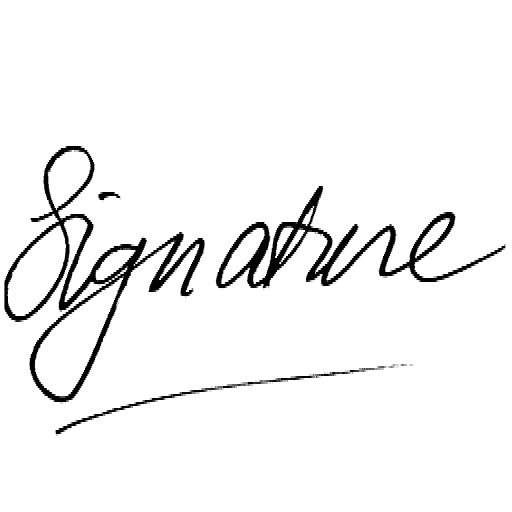
RemoveWhite is a browser-based tool for making white and near-white pixels transparent. Drop an image with a white background, remove the white pixels, and download a transparent PNG or WebP. It works well for logos, drawings, signatures, scans, icons and line art. No upload to any server, no AI, no software to install.
White pixels become transparent
A white background is not the same as transparency. Many PNGs, scans and exported images still contain actual white pixels. That is why they show a white box when you place them on a colored background.
RemoveWhite turns those white or near-white pixels into real transparency. Your dark lines, shapes and details stay visible, while the white background disappears. You can place the result on any background, including photos.
Not AI subject detection. Not a cutout tool. Pixel transparency.
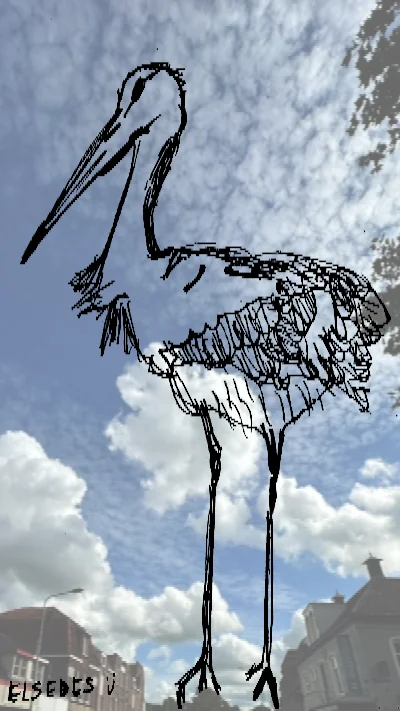




RemoveWhite does not detect subjects or cut out people. It removes pixels that are white or close to white. Works best when the subject is darker than the background.
Scans and photos often have grey, beige or uneven paper. Increase Threshold until the background disappears without affecting the subject.
Use Feather and Edge Shrink to reduce faint white edges around lines and shapes.
The tool works best when the subject is noticeably darker than the white or light background.
Use a PNG, JPG, WebP or HEIC image with a white, off-white or light background.

Adjust Threshold if grey, beige or off-white pixels remain. Use Feather and Edge Shrink to clean up edges.
Export a transparent PNG or WebP, ready for documents, design tools, websites, social posts or print.
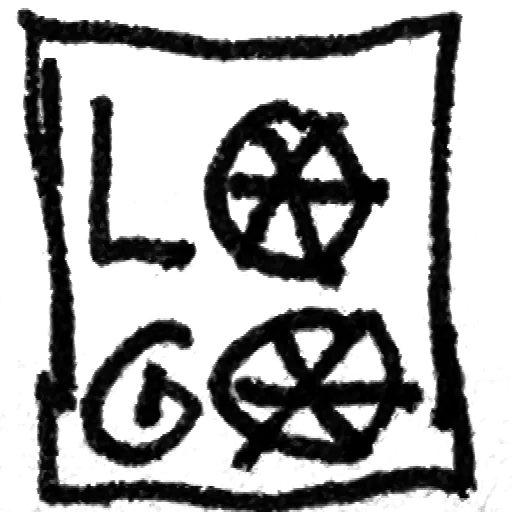
Remove the white box around a logo and export it as a transparent PNG.
Turn scanned or photographed line art into a clean transparent image.
Make a scanned signature transparent for PDFs, Word, Google Docs and email.
Remove white or off-white paper from scanned artwork, notes and sketches.
Clean up icons, diagrams and simple graphics with unwanted white pixels.
Prepare simple transparent PNGs for stickers, labels and print projects.
Create transparent assets for websites, thumbnails, banners and social posts.
Use the transparent result on cards, mugs, shirts, flyers and product mockups.
Your images
stay yours
≈ €3.33 / month
- Download without the watermark
- Unlimited downloads, all year
- 365 days from first use
- Expires automatically, no auto-renewal
- Access link by email, no login needed
for 24 hours
- Download without the watermark
- Unlimited downloads for 24 hours
- Access link by email, no login
Secure checkout via Stripe · Prices shown in your local currency · All major cards accepted