colors stay intact no photoshop needed

Remove black background
from an image

Make black or near-black pixels transparent in your browser. Works for logos, icons, illustrations and graphics on a dark background. No upload, no AI, no Photoshop needed.

Processed in your browser No server upload No AI guessing Transparent PNG export Preview for free

Make white or black pixels transparent instantly

Drop your image here + your own image · PNG · JPG · WebP · HEIC

RemoveWhite is a browser-based tool for making black and near-black pixels transparent. Use Remove Black mode to remove dark backgrounds from logos, icons, illustrations, screenshots and graphics. No upload to any server, no AI, no software to install.

Black background gone, logo stays

Logos and graphics exported from design tools, video software or dark-themed editors often come out on a black background. That black box gets in the way when you want to place the image on a website, slide, document or colored background.

Drop the image into RemoveWhite, choose Remove Black, and adjust the Threshold until the dark background disappears. The logo or artwork stays. Export as transparent PNG or WebP.
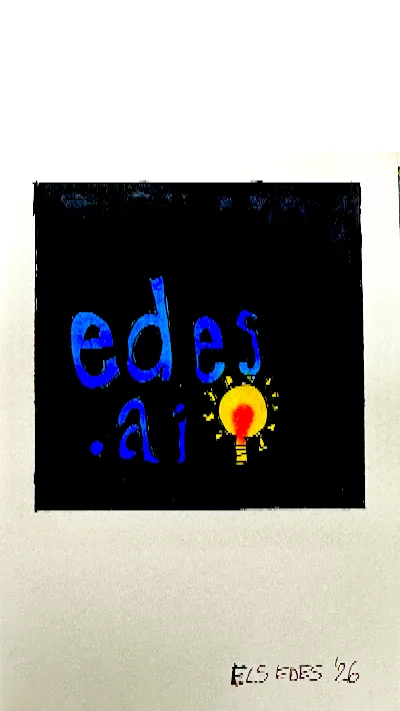

Logo with black background removed using RemoveWhite
before Logo on black background
Colorful logo on a black background before removing the dark pixels
after: black pixels transparent Same logo, no black box.
Transparent logo on a dark blue background after removing black pixels Transparent logo on a pink background after removing black pixels Transparent logo on a light blue background after removing black pixels
This removes dark pixels, not objects

RemoveWhite does not detect subjects or backgrounds. It removes pixels that are close to black. If your subject also contains very dark areas, those pixels may become transparent too.

Use Threshold to fine-tune

Start low to remove only the darkest pixels. Increase the Threshold until the black background disappears without affecting the subject.

Edge Shrink helps with dark halos

Dark backgrounds can leave a faint fringe around shapes. Edge Shrink can reduce that edge.

01
Drop your image

Use a logo, icon, illustration or graphic with a black or near-black background. PNG, JPG, WebP and HEIC all work.

02
Remove the black pixels

Choose Remove Black and adjust the Threshold slider to control which dark pixels become transparent.

03
Download a transparent PNG

Export as PNG or WebP. The black background is gone and your logo or artwork remains.
Logos and icons

Remove black backgrounds from logos and icons exported from design tools or video software.
Illustrations

Extract colorful artwork or graphics from dark source files and exports.
Screenshots and UI exports

Remove dark backgrounds from app screenshots, code editor snapshots or UI mockups.
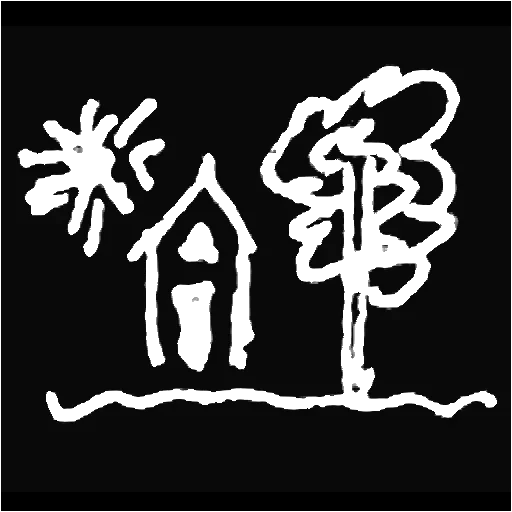
White line art

Remove the black background from white line drawings, chalk-style art or inverted sketches.
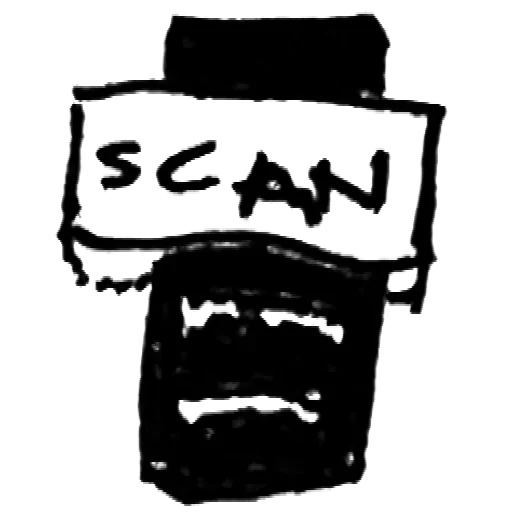
Inverted scans

Fix scans or phone images where the useful lines are light and the background is dark.

Video overlays

Create transparent graphics for dark video backgrounds, titles and thumbnails.
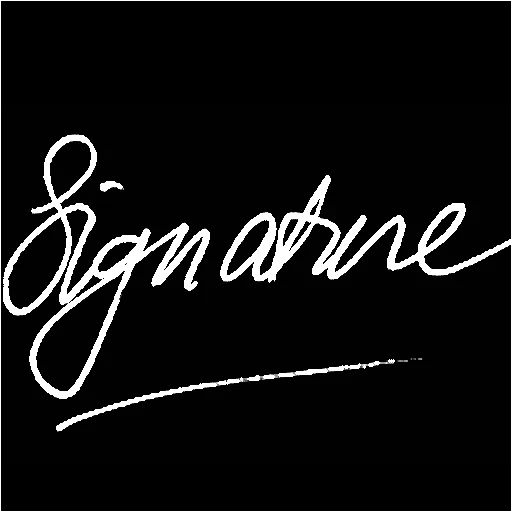
White signatures

Keep a white signature or handwritten mark and remove the black background around it.
Web and print assets

Create transparent assets from black-background images for use on any layout.
Privacy is king - no uploads, processed in browser

Your images
stay yours

Nothing uploaded — ever Your image is processed in your browser. It never leaves your device.
No AI, no subject detection Remove Black is pixel-based. It removes dark color values and does not guess what the subject is.
Control the cut Use Threshold and Edge Shrink to decide how much of the dark background disappears.
No account, no password Drop your image, download your PNG. Access links come by email - no login needed.
Best value
For regular use
Year pass
€39.99 per year
≈ €3.33 / month
  • Download without the watermark
  • Unlimited downloads, all year
  • 365 days from first use
  • Expires automatically, no auto-renewal
  • Access link by email, no login needed
Get year pass →
For a single project
Day pass
€3.99 watermark-free downloads
for 24 hours
  • Download without the watermark
  • Unlimited downloads for 24 hours
  • Access link by email, no login
Get day pass →

Secure checkout via Stripe · Prices shown in your local currency · All major cards accepted

How do I remove a black background from an image?
Drop your image into RemoveWhite and choose Remove Black. The tool makes black and near-black pixels transparent. Use the Threshold slider to control how much of the dark background is removed.
Can I use this for logos on a black background?
Yes. This is one of the most common uses. Drop your logo file, choose Remove Black, and download a transparent PNG you can place on any background.
What kind of images work best?
Logos, icons, illustrations and graphics exported on a black background. Also useful for white line art, screenshots and inverted scans.
What if my logo also contains black pixels?
RemoveWhite removes pixels by color value, not by position. If your logo has black or very dark details, those may also become transparent. Use a low Threshold setting to limit removal to only the darkest background pixels.
Can I remove a dark grey background too?
Yes. Increase the Threshold slider to include dark grey pixels. Start low and raise it gradually until the background disappears.
Can I use this for white line art?
Yes. Remove Black mode also works for white line drawings on a black background. You can download the result as a transparent PNG.
Can I use a photo from my phone?
Yes. Drop a JPG, PNG or HEIC from your camera roll. For best results, use an image with strong contrast between the subject and the dark background.
Is this an AI background remover?
No. RemoveWhite is pixel-based. It does not detect the subject or guess the background. It removes dark pixels according to the settings you choose.
Will my image be uploaded?
No. Everything runs locally in your browser. Your image is not uploaded to our servers.
What file do I get?
You can download PNG or WebP. Use PNG if you need broad compatibility or transparency.
Is there a subscription?
No. Day pass (€3.99, 24 hours) or year pass (€39.99, 365 days). No auto-renewal, ever.

Popular ways to use RemoveWhite

View all tools and use cases →