RemoveWhite is a browser-based tool that removes the white paper background from a scanned or photographed signature. Upload your image, the background disappears instantly, and you download a transparent PNG. No upload to any server, no AI, no software to install.
The photo or scan of your signature looks grey instead of white
Recognise this? You photographed or scanned your signature and you want to paste it in a legal document, a business document, or sign your emails with an actual autograph, and then you see: the background is grey or beige instead of white.
Or maybe you want to put your signature on merchandise like t-shirts, mugs, or pens. Either way, a transparent background is what you need.
How to make the background transparent
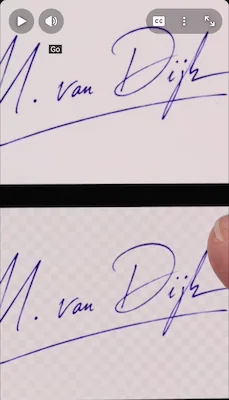
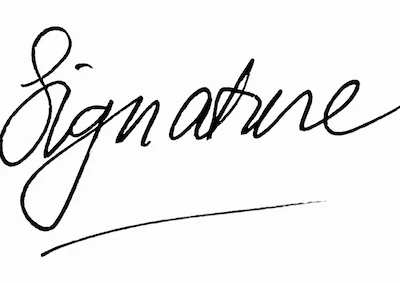
Drop your signature in the canvas above. The white background disappears immediately. If you still see grey or beige edges, adjust the Threshold and Feather sliders.

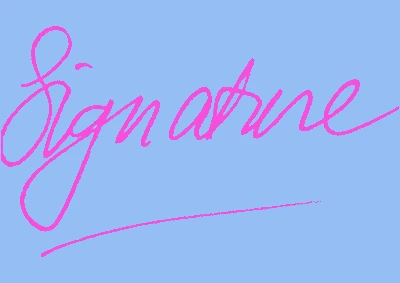
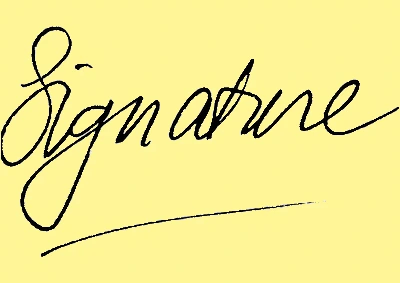
Signatures
in any color
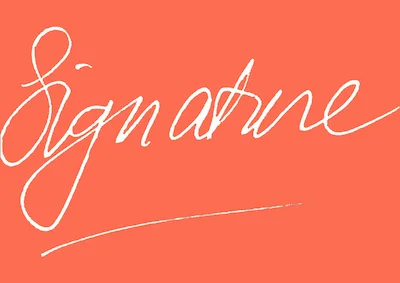
For some use cases you need a different color than black. A white signature for a dark background. A blue signature for branding. A colored signature for merchandise.
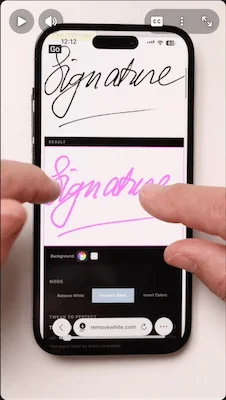
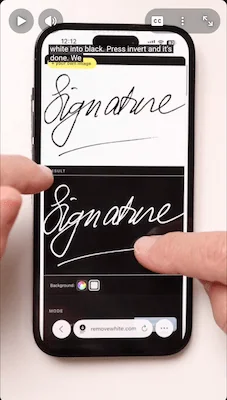
Drop your signature in the canvas and recolor either the white or the black pixels to any color you want. You can also invert the colors entirely - black becomes white, white becomes black.
Use black or blue ink on a white background. Good contrast gives the cleanest result.

Drop a JPG, PNG or HEIC from your phone or scanner. Works on desktop and mobile.
Use Darken Lines if the strokes look faint. Download as transparent PNG - ready to paste anywhere.

Add your handwritten signature to PDFs, forms and agreements.
Place a clean signature on business documents without opening Photoshop.

Sign your emails with an actual autograph. Works in Gmail, Outlook and Apple Mail.

Insert your transparent PNG in letters, proposals and templates.

Place your handwritten signature on illustrations, paintings and digital work.

A clean transparent signature PNG for digital signing workflows.

Use your signature in your profile banner, header image or branded social posts.

No more white box around your signature in design files and PDFs.

Print your signature on merchandise. Upload the transparent PNG to any print-on-demand service.

Personalised merchandise with your handwritten signature as branding or a gift.

Your signature as a design. Clean transparent background required for print and cut files.

Watermark your artwork or photography with your signature. Transparent PNG drops right in.
Your signature
stays yours
I ran into this problem many times and the only solution I could think of was to make the background of the signature transparent, so I would be left with only the black or blue ink: the dark pixels.
I used Photoshop for this task for many years, but lately it's been overkill to pay that much for such a simple task. That's why I started experimenting to make my own tool for this: tadaaa!
I had a few demands to meet: I wanted absolute privacy for the people using the tool because of, well: privacy. So no uploads to or storage on the RemoveWhite.com servers: no AI training of your signature. Just processing in your browser. Your browser.
I needed it to be fast and affordable. So here it is.
 Signature made transparent with removewhite.com.
 ≈ €3.33 / month
- Download without the watermark
- Unlimited downloads, all year
- 365 days from first use
- Expires automatically, no auto-renewal
- Access link by email, no login needed
for 24 hours
- Download without the watermark
- Unlimited downloads for 24 hours
- Access link by email, no login
Secure checkout via Stripe · Prices shown in your local currency · All major cards accepted