RemoveWhite is a browser-based tool for turning paper drawings, sketches and line art into transparent PNGs. Drop a scan or phone photo, remove the white or off-white paper background, and keep the handmade lines. No upload to any server, no AI training, no software to install.
From paper drawing to transparent PNG
A drawing can look clean on paper, but once you scan or photograph it, the paper becomes part of the image. The background may look white, grey, beige or uneven, and it gets in the way when you want to place the drawing on another page, design or background.
Drop the image into RemoveWhite, adjust the Threshold if needed, and download the drawing as a transparent PNG. The handmade line stays. The paper disappears.
AI background removers guess the subject. RemoveWhite removes the paper pixels.


Reuse your drawing
in designs and prints
Once the paper background is gone, your drawing becomes a reusable image. Place it on a poster, website, worksheet, book page, card, sticker sheet, product mockup or digital artwork.
RemoveWhite does not redraw your work or turn it into AI art. It keeps the original lines and removes the background pixels around them.
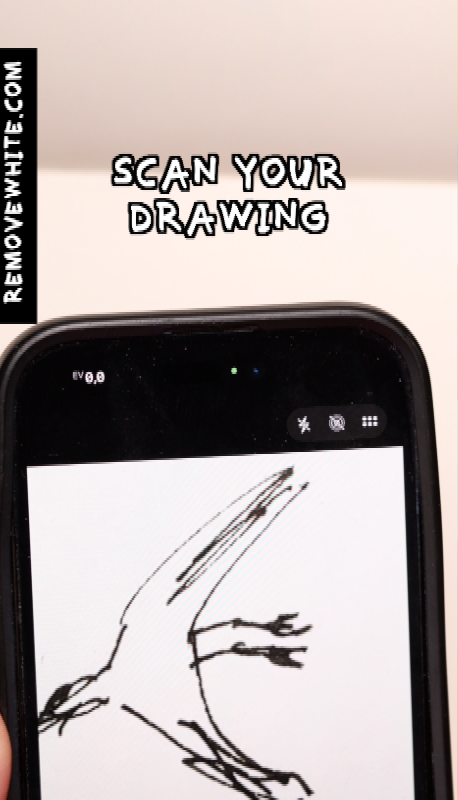
Photo or scan of a paper drawing, sketch or line art. PNG, JPG, WebP or HEIC — all work.
Threshold and Edge Shrink sliders let you control exactly where the cut happens. Darken Lines strengthens thin pencil strokes.
Transparent PNG for Procreate, Canva, Photoshop, websites, presentations or print. No background, no hassle.
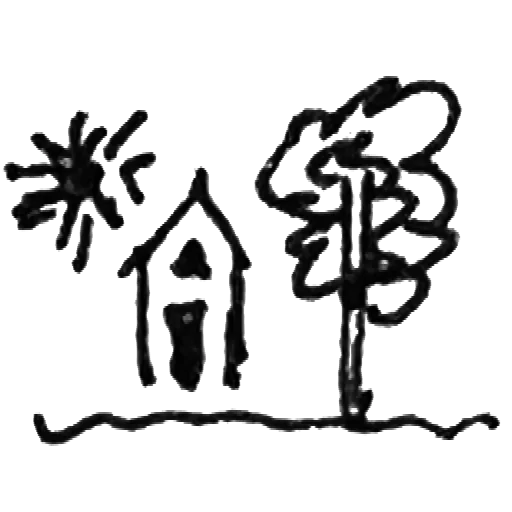
Remove the paper background from clean black-and-white line drawings.
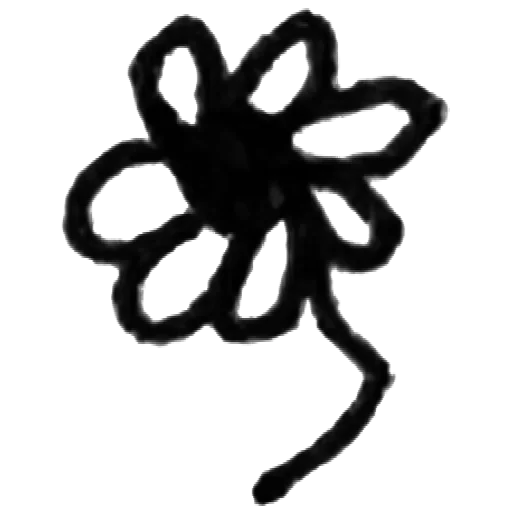
Turn rough pencil, pen or ink sketches into transparent PNGs.
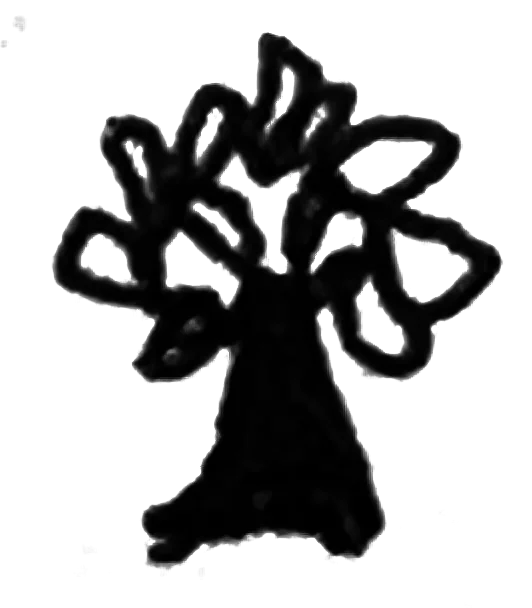
Prepare hand-drawn artwork for posters, cards, websites and layouts.
Clean up grey or off-white scan backgrounds without opening Photoshop.
Reuse small drawings from paper in gifts, cards, prints or family projects.
Make transparent artwork for sticker sheets, worksheets and printable designs.
Use transparent drawings as elements in repeating patterns and surface designs.
Layer your hand-drawn lines into Procreate, Canva, Photoshop or other design tools.
Your drawings
stay yours
Some drawings start best on paper. A pen line, a small sketch, a loose idea, a drawing that would lose its charm if it were redrawn too neatly.
The annoying part comes later: the paper background. Once you scan or photograph the drawing, the page comes with it. RemoveWhite is made for that in-between step: keep the handmade line, remove the light background, and reuse the drawing as a transparent PNG.
≈ €3.33 / month
- Download without the watermark
- Unlimited downloads, all year
- 365 days from first use
- Expires automatically, no auto-renewal
- Access link by email, no login needed
for 24 hours
- Download without the watermark
- Unlimited downloads for 24 hours
- Access link by email, no login
Secure checkout via Stripe · Prices shown in your local currency · All major cards accepted