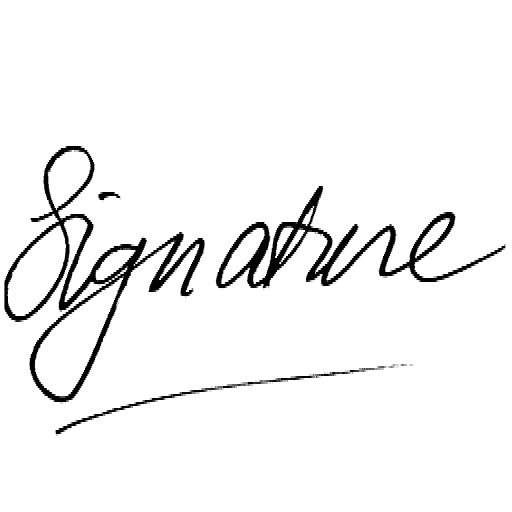
grey edges gone no photoshop needed

Remove paper background
from scanned images

Drop a scan or phone photo of a drawing, signature, form or notes page. Remove white, grey or off-white paper backgrounds and download a transparent PNG. No upload, no AI, no Photoshop needed.

Processed in your browser No server upload Grey paper cleanup Transparent PNG export Preview for free

Make white or black pixels transparent instantly

Drop your image here + your own scan · PNG · JPG · WebP · HEIC

RemoveWhite is a browser-based tool for removing white, grey and off-white paper backgrounds from scanned images and phone photos. Use it to clean up drawings, signatures, handwritten notes, forms, stamps and line art, then download a transparent PNG or WebP. No upload to any server, no AI, no software to install.

Grey paper disappears, lines stay

Scans and phone photos often look white at first, but the background is usually grey, beige or uneven. When you place the image on a design, slide or website, that paper rectangle becomes visible.

RemoveWhite lets you remove those light paper pixels in your browser. Adjust Threshold for grey or off-white areas, use Edge Shrink for halos, and use Darken Lines if pencil or pen strokes look too faint.

Not OCR. Not AI document analysis. Pixel transparency for paper images.
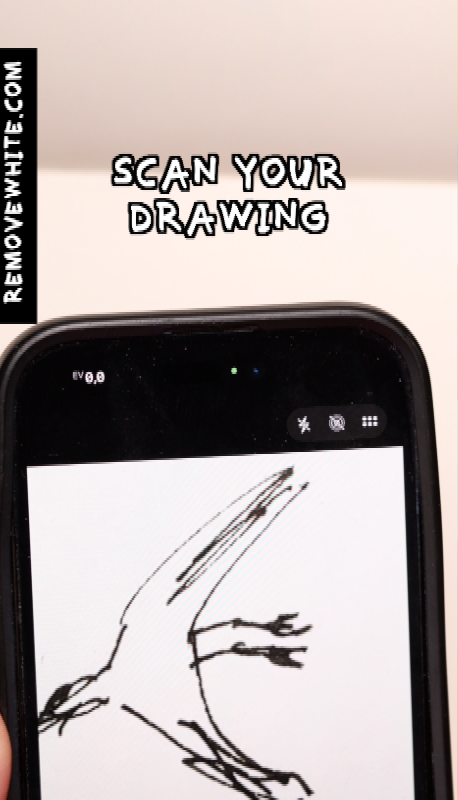
Scanned drawing with grey paper background removed using RemoveWhite
before Scan with grey paper background
Scanned image with grey off-white paper background before removing
after: paper removed Same scan, no grey background.
Transparent scan content on a blue background after removing grey paper Transparent scan content on a yellow background Transparent scan content on a dark background
Scans are rarely pure white

Most scans and phone photos contain grey, beige or uneven paper pixels. Use Threshold to include more of those light background pixels.

Faint lines need a careful balance

If pencil or thin pen strokes are light, use Darken Lines before pushing Threshold too far.

Shadows can be difficult

Strong shadows or folds may be darker than the paper. A flatter photo with even light gives a cleaner transparent result.

Edge Shrink helps with halos

Scans often leave a pale fringe around lines and handwriting. Edge Shrink can reduce that edge.

01
Drop your scan or photo

Use a flatbed scan, phone photo or document scanner output. PNG, JPG, WebP and HEIC all work.

02
Adjust for paper and shadows

Use Threshold for grey or off-white paper. Edge Shrink reduces halos. Darken Lines helps faint pencil and pen strokes.

03
Download a transparent PNG

Export as PNG or WebP. The paper background is gone and the lines, writing or artwork remain.
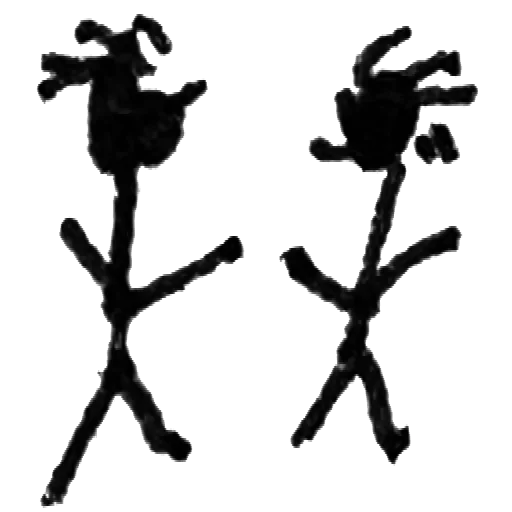
Drawings and sketches

Remove white, grey or off-white paper from scanned line art and paper sketches.
Signatures

Make a scanned signature transparent for PDFs, Word, Google Docs and email.
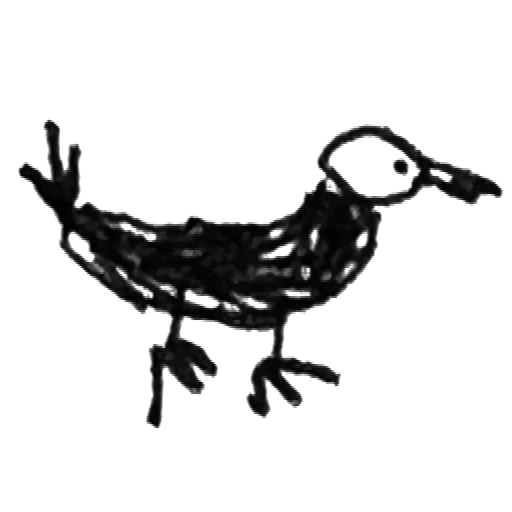
Handwritten notes

Extract handwriting from a scan or phone photo without keeping the paper rectangle.

Forms and documents

Keep handwriting, stamps or marks from scanned forms while removing the paper background.
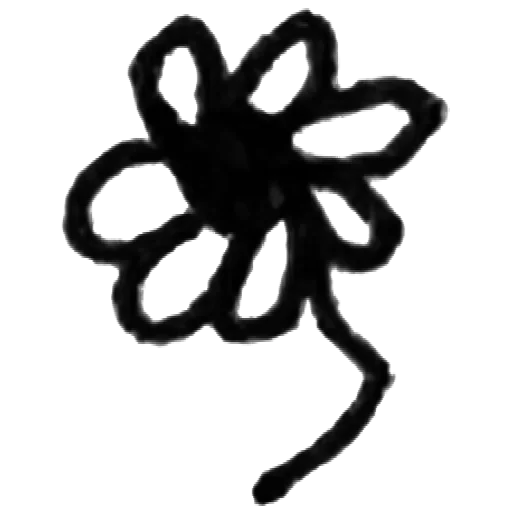
Ink drawings

Clean up ink sketches, illustrations and hand-lettered work from paper.

Phone photos of paper

Use a camera photo when you do not have a scanner. Even light gives the best result.
Stamps and labels

Remove paper around stamps, labels, marks and small scanned elements.
Web and print use

Export clean transparent assets for websites, slides, social posts, cards and print.
Privacy is king - no uploads, processed in browser

Your scans
stay yours

Nothing uploaded — ever Your scans and phone photos are processed in your browser. They never leave your device.
No AI, no document analysis RemoveWhite does not read your scan, extract text or send it to an AI model. It only changes pixels.
Useful for private documents Good for signatures, forms, notes and sketches you do not want to upload to a random image tool.
No account, no password Drop your image, download your PNG. Access links come by email - no login needed.
Best value
For regular use
Year pass
€39.99 per year
≈ €3.33 / month
  • Download without the watermark
  • Unlimited downloads, all year
  • 365 days from first use
  • Expires automatically, no auto-renewal
  • Access link by email, no login needed
Get year pass →
For a single project
Day pass
€3.99 watermark-free downloads
for 24 hours
  • Download without the watermark
  • Unlimited downloads for 24 hours
  • Access link by email, no login
Get day pass →

Secure checkout via Stripe · Prices shown in your local currency · All major cards accepted

How do I remove the paper background from a scan?
Drop your scanned image into RemoveWhite. The tool removes white, grey or off-white paper pixels in your browser and lets you download a transparent PNG or WebP.
My scan has a grey background. Will that work?
Yes. Use the Threshold slider to include light grey and off-white pixels. Increase it gradually until the grey background disappears.
Can I use a phone photo instead of a scanner?
Yes. Drop a JPG, PNG or HEIC from your camera roll. For best results, keep the paper flat and use even light without strong shadows.
My pencil lines are faint. Will they survive?
Use the Darken Lines slider to strengthen faint pencil or pen strokes. Then adjust Threshold carefully so the paper disappears but the lines remain.
Can I remove shadows from a scanned image?
RemoveWhite can remove light background pixels, but strong shadows may be harder because they are darker than the paper. A flatter photo with even lighting gives a better result.
Does it work for color drawings on white paper?
Yes, if the colored areas are not too close to white. RemoveWhite removes near-white pixels and keeps darker or more saturated colors.
Can I make a scanned signature transparent?
Yes. RemoveWhite works well for scanned signatures on white paper. For more specific tips, use the signature page.
Will my scan be uploaded to your servers?
No. Your scan is processed locally in your browser and is not uploaded to our servers.
Is this OCR or AI document processing?
No. RemoveWhite does not read text, extract data or analyze your document. It removes background pixels based on color and brightness values.
What file should I download?
Use PNG if you need a transparent file that works in most document, design and print tools. WebP is also available.
Is there a subscription?
No. Day pass (€3.99, 24 hours) or year pass (€39.99, 365 days). No auto-renewal, ever.

Popular ways to use RemoveWhite

View all tools and use cases →