RemoveWhite is a browser-based tool for turning tattoo flash, stencil sketches and line art into transparent PNGs. Drop a scan or phone photo, remove the white or off-white paper background, and keep the ink lines. No upload to any server, no AI training, no software to install.
From flash sheet to transparent PNG
Tattoo flash often starts on paper: a quick sketch, a scanned sheet, a stencil idea or line art prepared for a client. The drawing may be clean, but the white paper background gets in the way when you want to reuse it digitally.
Drop the image into RemoveWhite, adjust Threshold if needed, and export a transparent PNG. Use the result in Procreate, a client preview PDF, your portfolio, or your design archive. The ink lines stay. The paper disappears.
Not AI tracing. Not vectorizing. Pixel transparency for line art.


Use a scan, phone photo or digital export of tattoo flash, stencil art or line work. PNG, JPG, WebP and HEIC all work.

Use Threshold for off-white paper. Edge Shrink helps clean faint halos. Darken Lines can strengthen thin pencil or pen strokes.
Use the result in Procreate, stencil software, client previews, portfolios or your design archive.
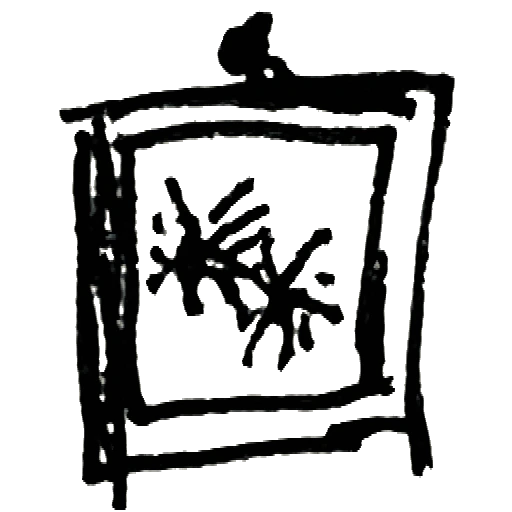
Remove white paper from scanned or photographed flash and keep only the line work.

Clean up stencil-style drawings before moving them into your next design step.

Import transparent tattoo line art into Procreate or another drawing app.

Place a clean design on neutral backgrounds for consultation PDFs or mockups.

Prepare cleaner line-art PNGs before using your usual stencil or print workflow.
Build a reusable transparent-background archive from flash, sketches and line art.

Remove near-white paper while keeping darker and more saturated colors intact.

Create clean transparent assets for Instagram, your website and booking platforms.
Your designs
stay yours
≈ €3.33 / month
- Download without the watermark
- Unlimited downloads, all year
- 365 days from first use
- Expires automatically, no auto-renewal
- Access link by email, no login needed
for 24 hours
- Download without the watermark
- Unlimited downloads for 24 hours
- Access link by email, no login
Secure checkout via Stripe · Prices shown in your local currency · All major cards accepted