flip black to white no photoshop needed

Invert image colors
and make black lines white

Flip every pixel to its opposite color value. Turn black line art white, white drawings black, create negative-style images, or prepare artwork for dark backgrounds. No upload, no AI, no Photoshop needed.

Processed in your browser No server upload No AI guessing Works with transparency Preview for free

Make white or black pixels transparent instantly

Drop your image here + your own image · PNG · JPG · WebP · HEIC

RemoveWhite includes a browser-based invert tool that flips every pixel to its opposite color value. Use it to turn black line art white, white artwork black, create negative-style images, or prepare drawings, signatures and icons for dark backgrounds. No upload to any server, no AI, no software to install.

Black lines become white lines

Inverting colors is especially useful for line art, signatures, icons and drawings. A black drawing on white paper can become a white drawing on a dark background in one step.

After inverting, you can also remove the background pixels and download a transparent PNG. That gives you white line art you can place on websites, posters, dark slides, videos or social posts.

Video demo: inverting black line art to white using RemoveWhite
before Black line art on white background
Black line art on a white background before inverting colors
after: inverted colors Black becomes white. White becomes black.
White line art on a dark background after inverting colors White line art with transparent background after inverting and removing background

Invert first,
then remove the background

Sometimes inverting is only the first step. If you start with black line art on white paper, invert it to get white lines on black. Then remove the black background to keep only the white lines as a transparent PNG.

That is useful for dark websites, video titles, black slides, posters, thumbnails and social graphics.

Three steps: black on white, white on black, white on transparent background
01
Drop your image

Use a drawing, signature, icon, logo, scan or photo. PNG, JPG, WebP and HEIC all work.

02
Switch on Invert

Every pixel flips to its opposite color value. Black becomes white, white becomes black, and colors shift to their complementary values.

03
Export or remove the background

Download the inverted image, or combine invert with transparency to make white line art for dark backgrounds.
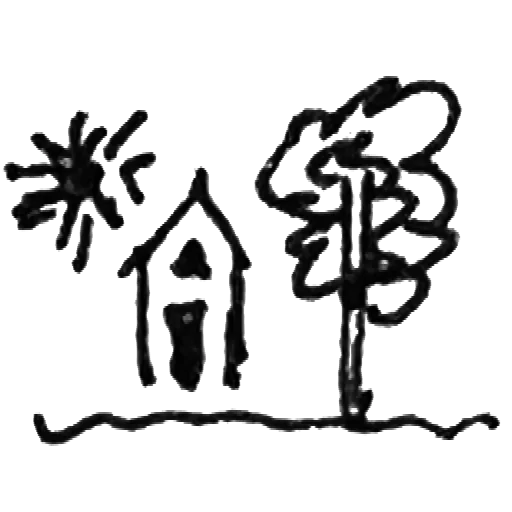
White line art

Turn black line drawings into white lines for dark backgrounds.
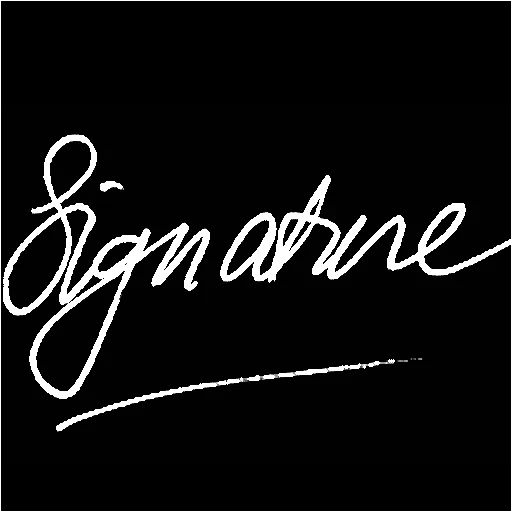
White signatures

Invert a black signature and place it on dark documents, photos or designs.
Dark mode graphics

Create dark-background versions of icons, diagrams, marks and simple graphics.
Negative-style photos

Flip photo colors for a quick negative effect or creative experiment.
Fix inverted scans

Invert images that came out reversed from a scanner, camera app or editing tool.

Video titles

Make white title graphics, handwriting or doodles for dark video backgrounds.
Posters and slides

Prepare high-contrast graphics for presentations, posters and social visuals.
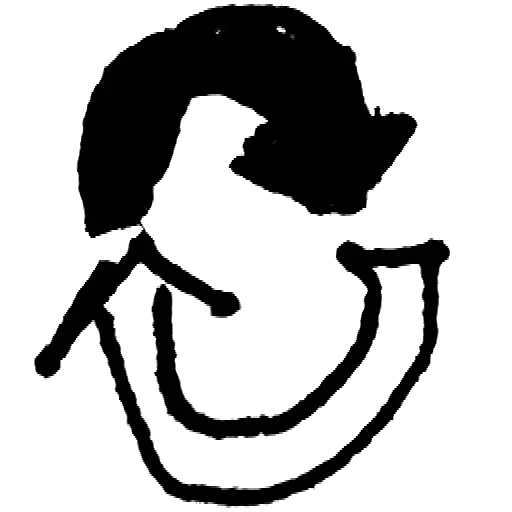
Color experiments

Explore complementary colors by flipping every color in an illustration or graphic.
Privacy is king - no uploads, processed in browser

Your images
stay yours

Nothing uploaded — ever Your image is processed in your browser. It never leaves your device.
No AI, no guessing Invert is pure pixel math. It flips color values and does not interpret your image.
Works with transparency Invert can be combined with background removal to create transparent white or black line art.
No account, no password Drop your image, download the result. Access links come by email - no login needed.
Best value
For regular use
Year pass
€39.99 per year
≈ €3.33 / month
  • Download without the watermark
  • Unlimited downloads, all year
  • 365 days from first use
  • Expires automatically, no auto-renewal
  • Access link by email, no login needed
Get year pass →
For a single project
Day pass
€3.99 watermark-free downloads
for 24 hours
  • Download without the watermark
  • Unlimited downloads for 24 hours
  • Access link by email, no login
Get day pass →

Secure checkout via Stripe · Prices shown in your local currency · All major cards accepted

How do I invert image colors in my browser?
Drop your image into RemoveWhite and enable the Invert option. The tool flips every pixel to its opposite color value and lets you export the result as a PNG or WebP.
What does inverting colors do?
It flips each color channel to its opposite value. White becomes black, black becomes white, red becomes cyan, blue becomes yellow, and so on.
Can I make black line art white?
Yes. Drop black line art on a white background and enable Invert. The black lines become white and the white background becomes black.
Can I invert and then remove the background?
Yes. Invert first, then use the transparency controls to remove the now-white or now-black background. This is useful for creating white line art on a transparent background.
Can I use this for a signature?
Yes. You can invert a dark signature to make it white, then use it on dark documents, photos, websites or designs.
Does inverting work on color photos?
Yes. Every color channel is inverted independently, creating a negative-style version of the photo.
Is this an AI image tool?
No. RemoveWhite does not use AI to invert colors. It uses direct pixel operations in your browser.
Will my image be uploaded?
No. Your image is processed locally in your browser and is not uploaded to our servers.
What file do I get?
You can download PNG or WebP. Use PNG if you need broad compatibility or transparency.
Is there a subscription?
No. Day pass (€3.99, 24 hours) or year pass (€39.99, 365 days). No auto-renewal, ever.

Popular ways to use RemoveWhite

View all tools and use cases →