no photoshop needed lines stay sharp

Make line art
transparent

Drop a scan, photo or export of your line art. Remove the white or off-white background and keep the lines sharp. No upload, no AI, no Photoshop needed.

Processed in your browser No server upload No AI training Keeps your lines Preview for free

Make white or black pixels transparent instantly

Drop your image here + your line art · PNG · JPG · WebP · HEIC

RemoveWhite is a browser-based tool for making line art transparent. It removes white and near-white background pixels from drawings, sketches, ink work, tattoo flash, icons and scanned line drawings, while keeping the dark line work intact. No upload to any server, no AI training, no software to install.

Keep the lines, remove the paper

Line art often starts on paper or as a flat export with a white background. That white background gets in the way when you want to place the line work on a colored page, poster, slide, sticker sheet or digital artwork.

RemoveWhite removes the white or off-white background pixels and keeps the line work visible. The result is a transparent PNG you can layer into any design.

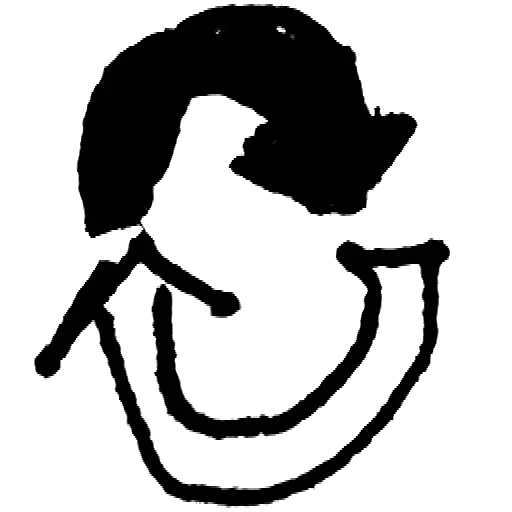
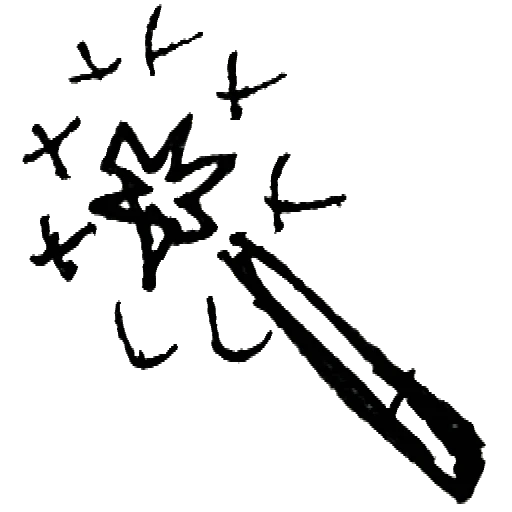
Line art with white background removed using RemoveWhite
before Line art on white background
Line art drawing on white background before removing the paper
after: transparent PNG Same lines, no paper background.
Transparent line art on a blue background Transparent line art on a yellow background Transparent line art on a dark background
Faint lines need a careful balance

If pencil or thin pen strokes are faint, use Darken Lines before increasing Threshold too far.

Off-white and grey paper

Scans and phone photos often have beige or grey paper. Use Threshold to include those light pixels.

Edge halos after removal

A faint white fringe can remain around lines. Edge Shrink reduces that edge.

01
Drop your line art

Use a scan, photo or export of your line drawing. PNG, JPG, WebP and HEIC all work.
02
Background disappears, lines stay

Threshold removes white and near-white background pixels. Edge Shrink reduces halos. Darken Lines strengthens faint strokes.

03
Download a transparent PNG

Use the transparent line art in Procreate, Canva, sticker sheets, posters, cards and print.
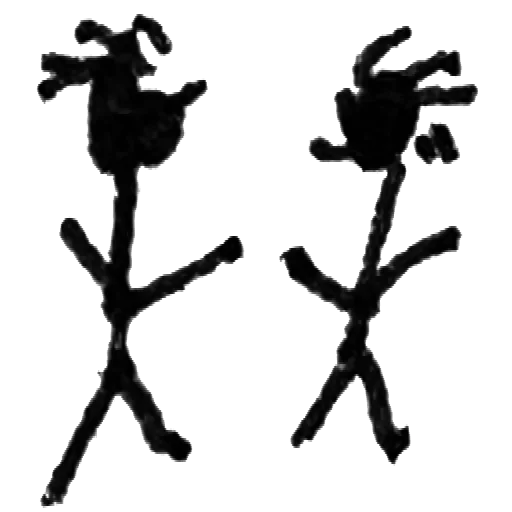
Ink drawings

Remove white paper from ink drawings and keep the line work.
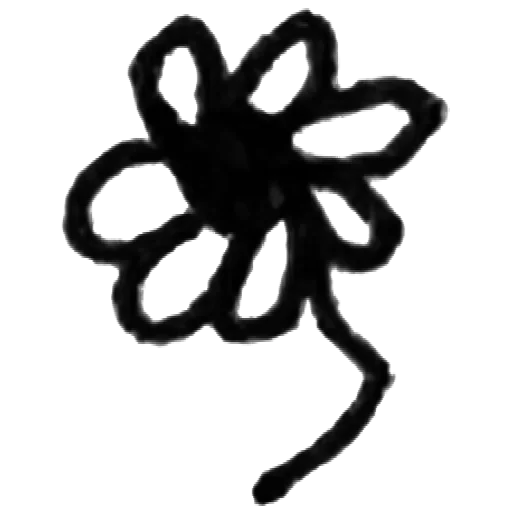
Sketches

Turn pen or pencil sketches into transparent PNGs.
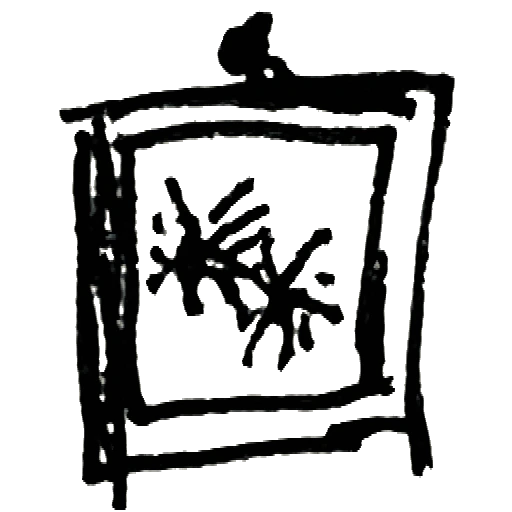
Tattoo flash

Prepare line art and flash sketches for digital tattoo workflows.
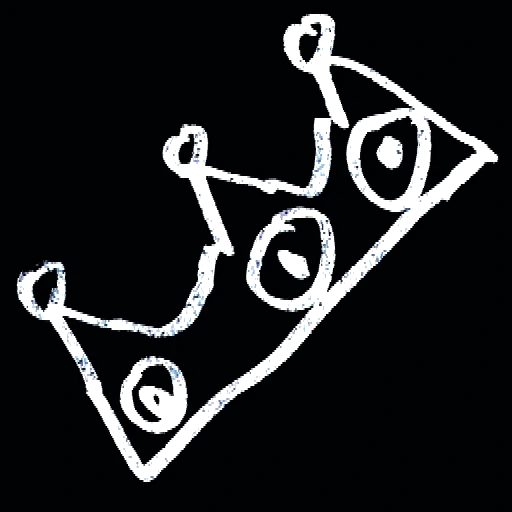
Stickers

Create transparent line art for sticker sheets and planner elements.
Digital artwork

Layer hand-drawn lines into Procreate, Canva, Photoshop or Figma.
Print and patterns

Use line art in cards, posters, patterns and print designs.
Privacy is king - no uploads, processed in browser

Your artwork
stays yours

Nothing uploaded — everYour drawing is processed in your browser. It never leaves your device.
No AI trainingYour artwork is not sent to an AI model and is not used for training.
Pixel-based, not AI-generatedRemoveWhite removes background pixels. It does not redraw or trace your line art.
No account, no passwordDrop your image, download your PNG. Access links come by email - no login needed.
Best value
For regular use
Year pass
€39.99 per year
≈ €3.33 / month
  • Download without the watermark
  • Unlimited downloads, all year
  • 365 days from first use
  • Expires automatically, no auto-renewal
  • Access link by email, no login needed
Get year pass →
For a single project
Day pass
€3.99 watermark-free downloads
for 24 hours
  • Download without the watermark
  • Unlimited downloads for 24 hours
  • Access link by email, no login
Get day pass →

Secure checkout via Stripe · Prices shown in your local currency · All major cards accepted

How do I make line art transparent?
Drop a scan or photo of your line art into RemoveWhite. The tool removes the white or off-white background pixels in your browser and lets you download a transparent PNG.
Can I use a phone photo of my drawing?
Yes. Keep the paper flat and use even light. A scan usually gives the cleanest result, but phone photos work well when the contrast is clear.
My lines are very faint. Will they survive?
Use the Darken Lines slider to strengthen light strokes before removing the background.
Does it work for off-white paper?
Yes. Use the Threshold slider to include grey or off-white pixels. Increase gradually until the paper disappears.
Can I use the result in Procreate or Canva?
Yes. Download the transparent PNG and import it into Procreate, Canva, Photoshop or any tool that supports PNG transparency.
Is this an AI background remover?
No. RemoveWhite is pixel-based. It removes background pixels by brightness and does not redraw or vectorize your line art.
Will my drawing be uploaded?
No. Your image is processed in your browser and is not uploaded to our servers.
Is there a subscription?
No. Day pass (€3.99, 24 hours) or year pass (€39.99, 365 days). No auto-renewal, ever.

Popular ways to use RemoveWhite

View all tools and use cases →