no photoshop needed paper gone in seconds

Make bullet journal
doodles transparent

Drop a photo or scan of your doodle, header or icon. White paper background disappears instantly — lines and details stay. Turn them into stickers, planner elements or digital assets.

Processed in your browser No server upload No AI training Preview for free

Make white or black pixels transparent instantly

Drop your image here + your own doodle · PNG · JPG · WebP · HEIC

RemoveWhite is a browser-based tool for turning bullet journal doodles, notebook sketches, hand-drawn icons and small paper drawings into transparent PNGs. Drop a photo or scan, remove the paper or sticky-note background, and reuse your drawing in planners, sticker sheets, digital notes or designs. No upload to any server, no AI training, no software to install.

From notebook doodle to transparent PNG

A doodle can look great in your bullet journal, but once you photograph it, the paper comes with it. The background turns grey, beige or uneven, and the drawing is harder to reuse.

Drop the photo into RemoveWhite, adjust the Threshold if needed, and download the doodle as a transparent PNG. The handmade line stays. The paper disappears.

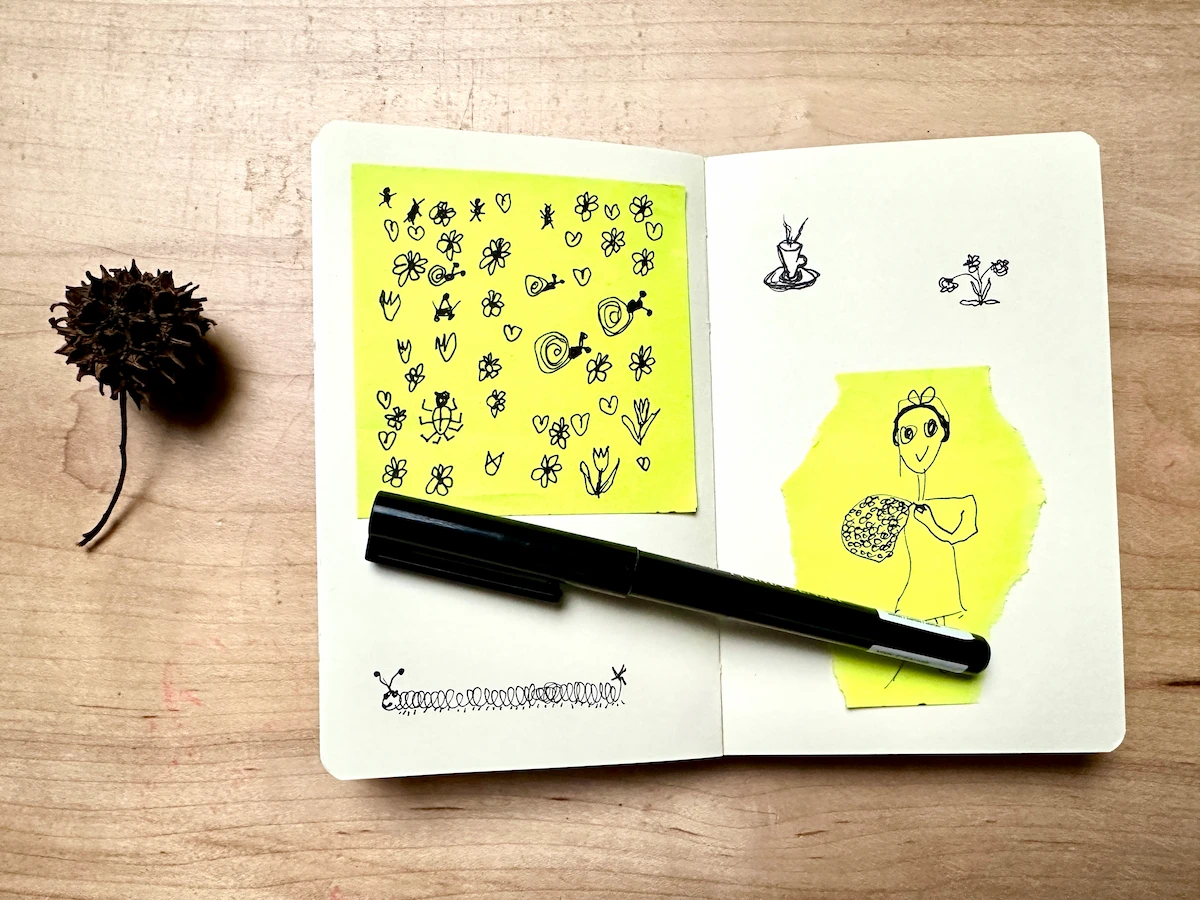
Video demo: bullet journal doodles made transparent with RemoveWhite
before
Bullet journal doodles on a sticky note - before removing the background
after: transparent doodles Same drawings, ready to reuse anywhere.
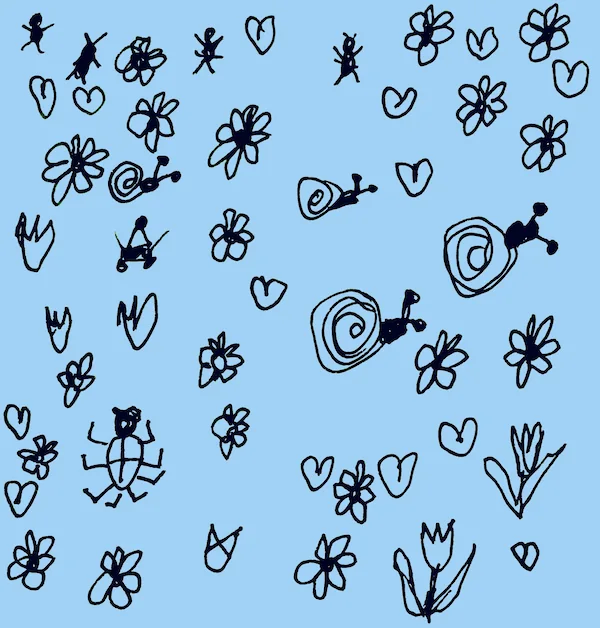
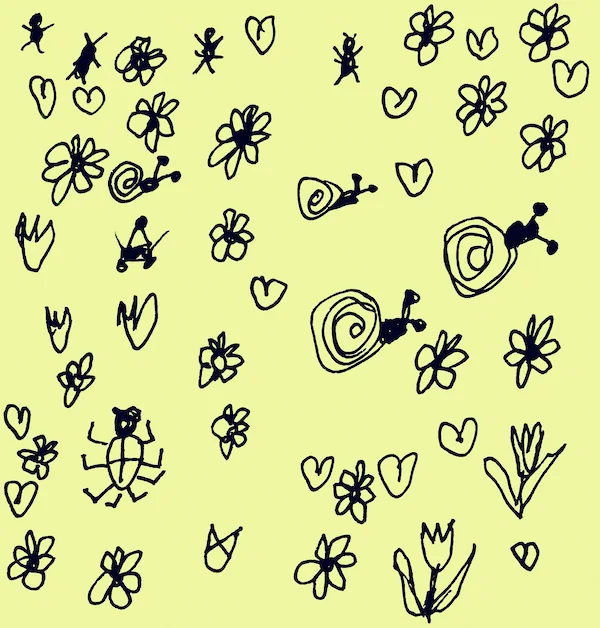
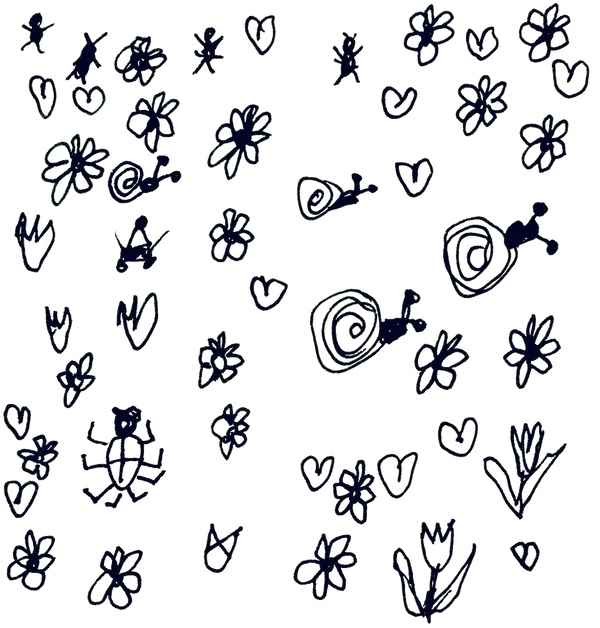
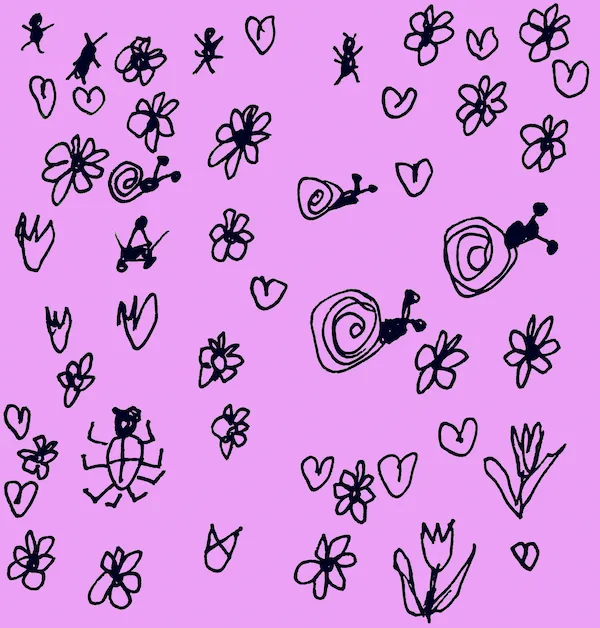
Transparent bullet journal doodles on a blue background Transparent bullet journal doodles on a yellow background Transparent bullet journal doodles on a dark background Transparent bullet journal doodles on a pink background

Reuse your doodles
as stickers

Once the paper background is gone, your doodles become small reusable elements. Place them on a planner page, make a sticker sheet, use them in GoodNotes, or layer them into a design.

RemoveWhite does not redraw your work or turn it into AI art. It keeps the handmade lines and removes the background pixels around them.
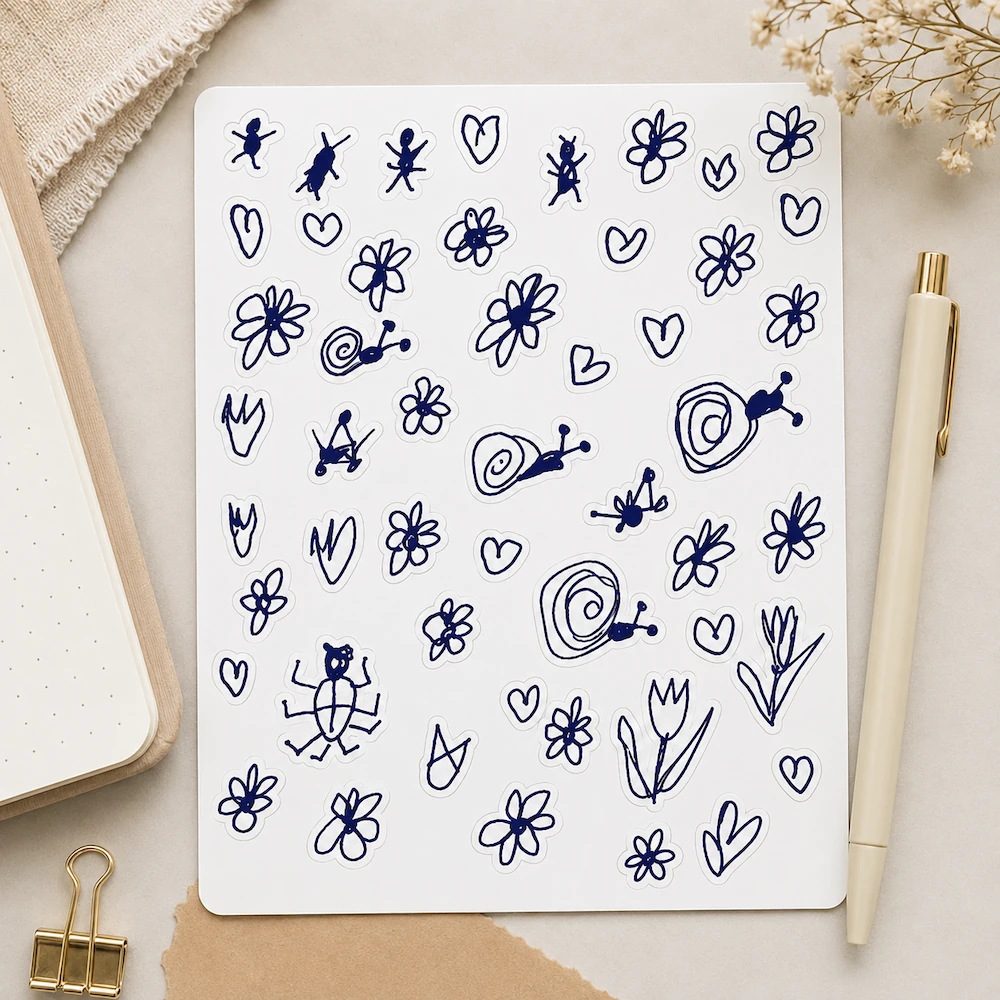
Planner sticker sheet made from transparent bullet journal doodles
01
Drop your doodle or scan

Photo or scan of a bullet journal page, doodle, header or icon. PNG, JPG, WebP or HEIC: all work.
02
White disappears, lines stay

Threshold and Edge Shrink sliders let you control exactly where the cut happens. Darken Lines strengthens thin pen strokes.

03
Download and ready to use

Transparent PNG for digital planning apps, social posts, sticker sheets or any design tool. No background, no hassle.
Doodles and icons

Turn small flowers, hearts, arrows and tiny sketches into reusable PNGs.
Planner stickers

Make transparent doodles for sticker sheets, digital planners and printable pages.
Hand lettering

Make hand-lettered headers, labels and titles transparent.
Notebook sketches

Reuse small ideas from your notebook without the paper background.
GoodNotes and Notability

Import your transparent drawings into digital notebooks and planners.
Patterns and designs

Use your handmade doodles as the start of patterns, cards or product ideas.
Printables and cards

Place transparent illustrations on postcards, worksheets or custom stationery.
Social posts

Layer your own drawings over photos, templates and background colors.
Privacy is king - no uploads, processed in browser

Your journal
stays yours

Nothing uploaded — ever Your drawings and journal pages never leave your device. All processing runs in your browser.
No AI, no guessing Pure pixel math. The tool does exactly what you tell it — no AI model, no training data.
No account, no password Drop your image, download your PNG. Access links come by email — no login needed.

Or take them
further

A transparent PNG is only the first step. The same handmade doodles can become a pattern for a notebook cover, mug, tote bag, wallpaper or other personal design.

Start small: one flower, one coffee cup, one silly snail. Once the background is gone, the drawing can travel.
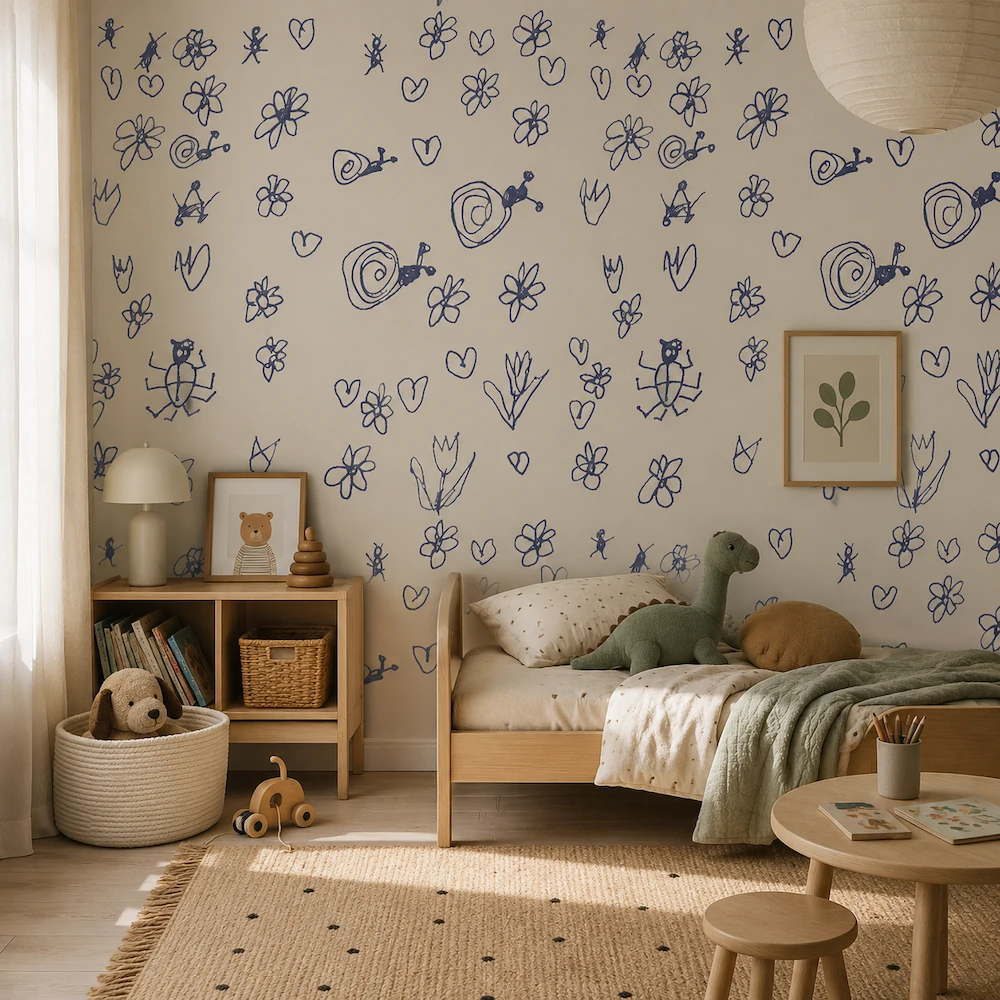
Children's room wallpaper mockup made from handmade bullet journal doodles

I like small drawings that begin in a notebook: a flower, a coffee cup, a silly snail, a border, a label, or a tiny idea in the margin. The annoying part is not the drawing. It is the paper background that comes with it once you photograph or scan it.

RemoveWhite is made for that in-between step: keep the handmade line, remove the light background, and reuse the drawing as a transparent PNG.

Best value
For regular use
Year pass
€39.99 per year
≈ €3.33 / month
  • Download without the watermark
  • Unlimited downloads, all year
  • 365 days from first use
  • Expires automatically, no auto-renewal
  • Access link by email, no login needed
Get year pass →
For a single project
Day pass
€3.99 watermark-free downloads
for 24 hours
  • Download without the watermark
  • Unlimited downloads for 24 hours
  • Access link by email, no login
Get day pass →

Secure checkout via Stripe · Prices shown in your local currency · All major cards accepted

How do I make bullet journal doodles transparent?
Drop a photo or scan of your doodle, header, icon or small sketch. RemoveWhite removes the light paper background in your browser and lets you download a transparent PNG.
Can I use a phone photo?
Yes. Take a clear photo in good light and drop it here. For best results, keep the page flat and avoid harsh shadows.
Does this work with sticky notes?
Yes. Use the Threshold slider to remove light paper, off-white paper or pale sticky-note backgrounds. Strong contrast gives the cleanest result.
Will my pen lines stay sharp?
Yes. The tool only removes pixels that match the background. Your ink lines stay opaque. Use Edge Shrink to remove faint halos and Darken Lines to strengthen thin strokes.
Can I use the result in GoodNotes, Notability or Canva?
Yes. Download a transparent PNG and import it into GoodNotes, Notability, Canva or any design tool that supports PNG transparency.
Can I make planner stickers from my doodles?
Yes. Once the paper background is gone, your doodles can be used on sticker sheets, digital planners, printable pages or social posts.
Is my notebook photo uploaded?
No. Your image is processed in your browser. It is not uploaded to our servers.
Are my drawings used for AI training?
No. RemoveWhite is not an AI background remover. Your drawings are not sent to an AI model and are not used for training.
What file do I get?
You can download a transparent PNG or WebP. For planners, sticker sheets and design tools, PNG is usually the safest choice.
Is there a subscription?
No. Day pass (€3.99, 24 hours) or year pass (€39.99, 365 days). No auto-renewal, ever.

Popular ways to use RemoveWhite

View all tools and use cases →